 Redact Photo
“Send a copy of your ID, but you can cover the number.” “Attach the bank statement, we only need the header.” Work, landlords, insurers, and border bureaucracies constantly want documents with some of the information, and a phone photo plus a proper redaction tool is the entire workflow.
The Work Redaction Problem
Document redaction has a higher bar than social-photo masking: the recipient is often archiving the file, the data is regulated (card numbers, government IDs), and a sloppy mask is a compliance problem rather than an aesthetic one. Two rules follow: the mask must be opaque (black box, not blur), and the redaction must be flattened into the file: not an annotation layered on top that a PDF reader can delete.
Redact a Document Photo (Step by Step)
- Photograph the document and open it in Redact PhotoShoot straight-on in good light so text detection has clean input. The photo never leaves your device, which is the point when it's your ID.
- Run Text detectionEvery field lights up: names, numbers, dates, addresses. The detection preview doubles as a checklist of what the document actually exposes.
- Black-box the sensitive fieldsUse Black Box for anything regulated or identifying. Manual selection with zoom covers signatures, photos, and barcodes: detection finds text, but barcodes and QR codes identify you too.
- Export as PDF (or JPG/PNG)Save as PDF for anything headed to an office, it's the format they expect and file. The masks are baked into the pixels either way.
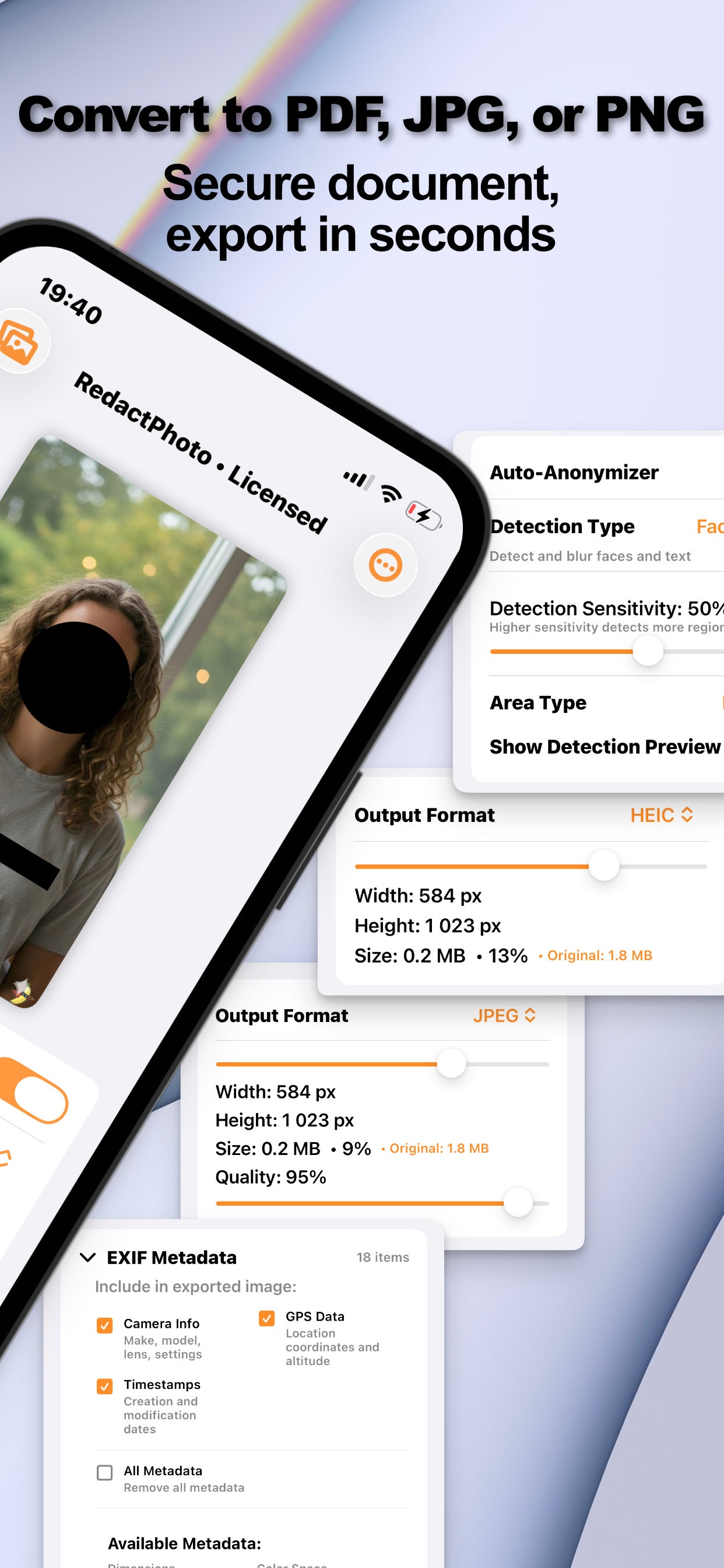
PDF Is Usually the Right Container
Offices archive PDFs, and a single-file PDF travels through email chains and portals without recompression surprises. The redact-then-convert flow has its own guide: censor a photo and save it as PDF.
Why On-Device Matters Most Here
Running an ID or a bank statement through a free web redaction tool inverts the whole exercise, you'd be uploading the document to hide it. On-device processing means the only copy that exists off your phone is the redacted one you chose to send. Strip the metadata too; here's the full routine.
Try it on your own photos
Redact Photo is free to download with a fully unlocked 3-day free trial, mask your first photo in the next two minutes, without it leaving your phone.
Get Redact Photo on the App Store