 Redact Photo
Marketplace listings, forum posts, reviews, community reports: plenty of legitimate sharing works better without your identity attached. But a photo identifies you on two separate layers, and most people only think to clean one of them.
The Two Layers of Photo Identity
The visible layer is what anyone can see: faces, name tags, license plates, house numbers, street signs, screens with text. The invisible layer is what software can read: EXIF metadata carrying GPS coordinates (often precise enough to mark your front door), capture timestamps, and your device model. A perfectly redacted photo with intact GPS still says exactly where you live; a metadata-stripped photo with your face in it still says who you are. Anonymity requires cleaning both.
Clean Both Layers in One Export (Step by Step)
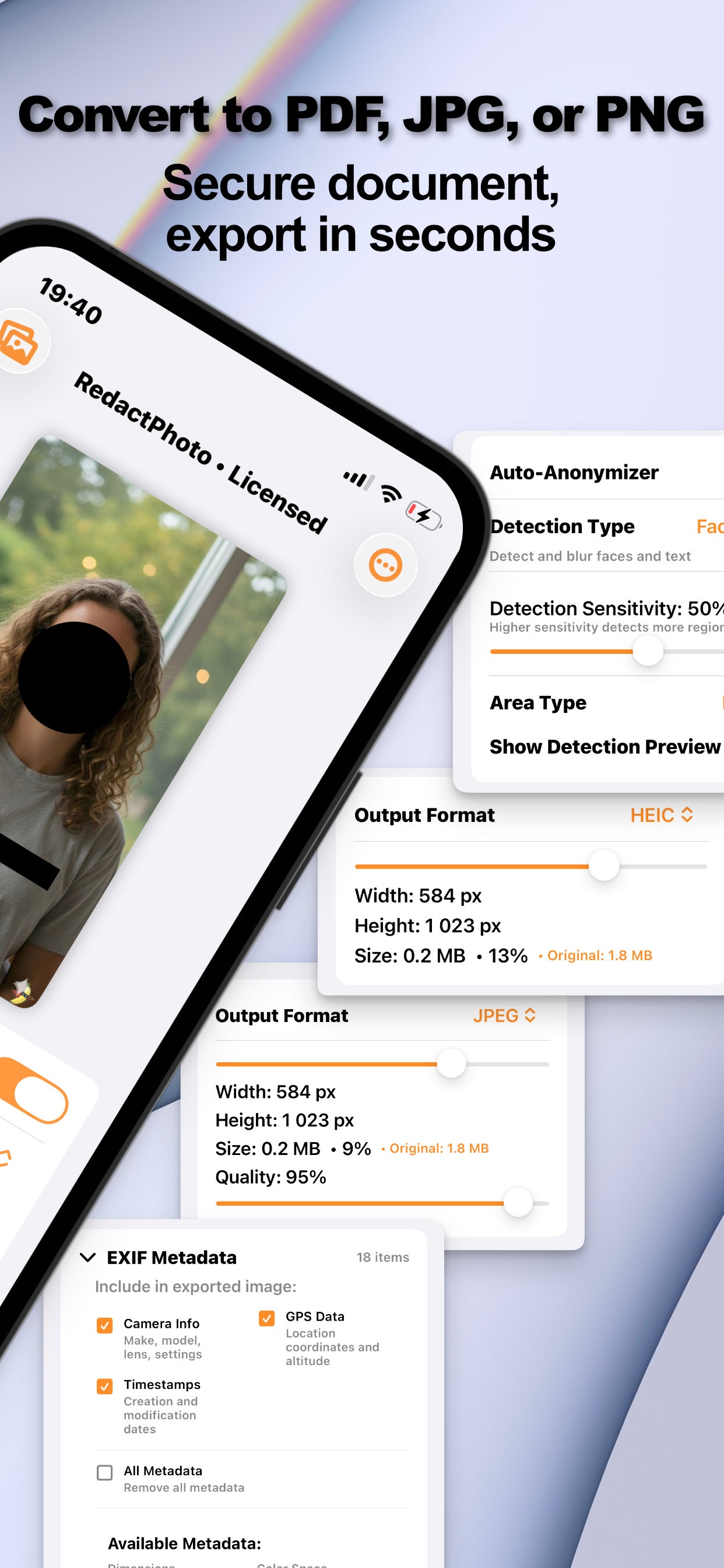
- Auto-detect the visible identifiersOpen the photo in Redact Photo and run Faces & Text detection. Add manual regions for plates, house numbers, and anything the preview shows that detection semantics don't cover.
- Mask with intentBlur or pixelate faces; black-box any readable text that identifies you, the reasoning is in the “can blurred text be recovered?” guide.
- Strip the invisible layerIn the EXIF panel, review what the file carries: GPS data, camera info, timestamps, and remove all of it for anonymous sharing.
- Export the clean copy and share thatSave as PNG, JPG, or PDF. The exported file has masked pixels and empty metadata; your original keeps everything, privately, in your library.
Where This Routine Earns Its Keep
Selling on marketplaces (photo of the item, not of your address), posting in local groups and forums, leaving reviews, sharing a car listing, documenting a hazard for the city. The common thread: strangers should get the content, not the photographer.
On-Device Is the Precondition
Anonymizing a photo by uploading it to a web tool is self-defeating, the server sees the original, metadata and all. Redact Photo does the entire clean on your iPhone: nothing leaves the device except the copy you chose to share. For masking children specifically, the parents' guide covers the softer options.
Try it on your own photos
Redact Photo is free to download with a fully unlocked 3-day free trial, mask your first photo in the next two minutes, without it leaving your phone.
Get Redact Photo on the App Store