 Redact Photo
Sharing a screenshot is sharing a slice of your accounts: the support thread wants your order screen, the group chat wants the funny exchange, the forum wants your settings, and all of them arrive with your real name, email, balance, or address in a corner you stopped noticing months ago.
Screenshots Leak More Than You Notice
The private data in a screenshot is usually furniture: the account email in the top bar, the notification that slid in mid-capture, the last four digits that are actually enough, the username that links to everything else you've posted. You're blind to it because you see it every day. Text detection isn't, it flags every readable region, including the ones you'd have scrolled past.
Redact a Screenshot (Step by Step)
- Open the screenshot in Redact PhotoStraight from your screenshots, nothing is uploaded, which matters when the content is your bank app.
- Run Text detectionEvery text region lights up. Check the preview against what you actually want visible, the point of the screenshot stays, the identity leaves.
- Black-box the private regionsFor account data, use Black Box rather than blur: fully opaque, flattened into the image, nothing to enhance. Manual selection with zoom handles anything detection didn't box tightly.
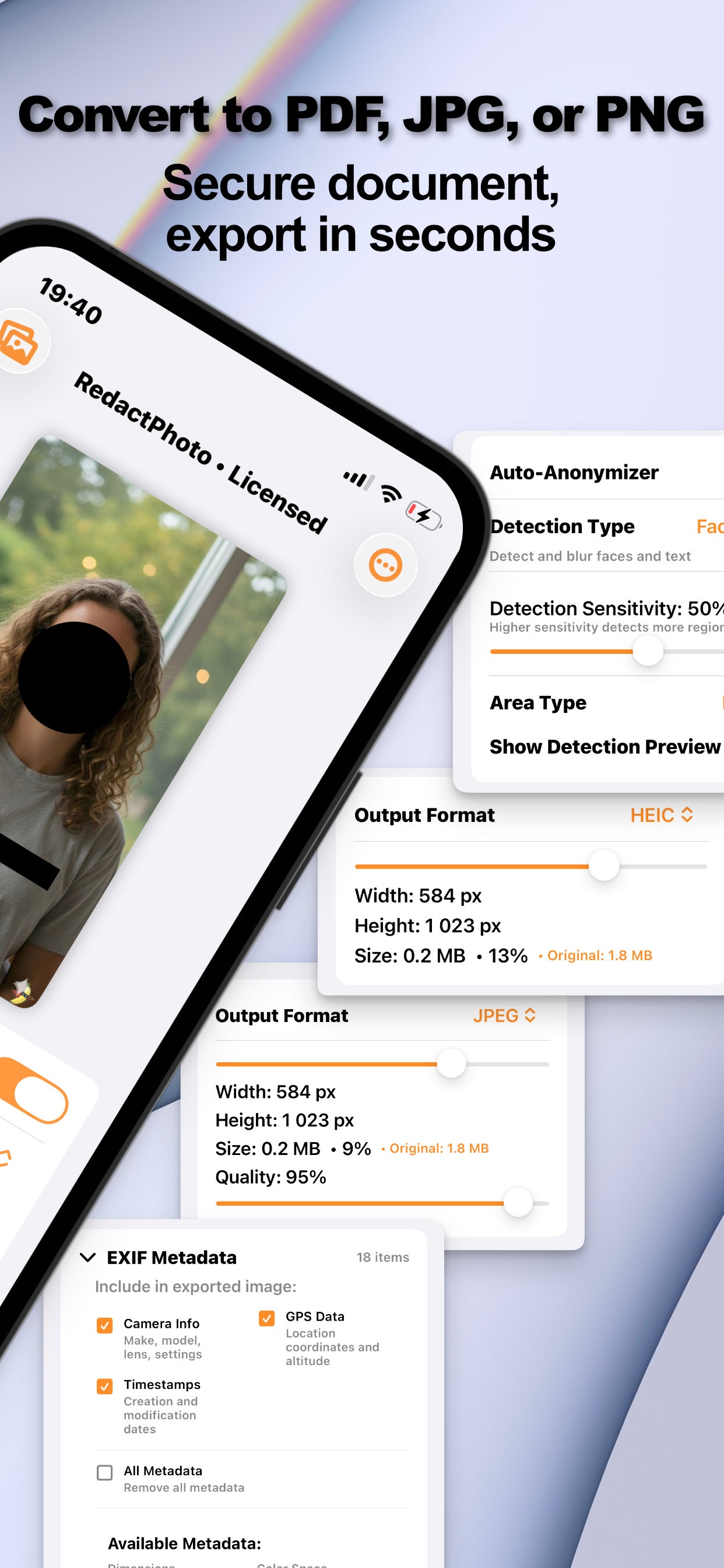
- Export and share the redacted copySave as PNG or JPG and share the clean version. The original screenshot stays in your library.
Make It Actually Unrecoverable
Blurred text in screenshots is the textbook case for recovery attacks, clean fonts on flat backgrounds are exactly what deblurring tools are best at. That's why the recommendation here is the black box, not the aesthetic choice; the evidence is laid out in can blurred text be recovered? Redact Photo flattens masks into the export, so there's no “blur layer” for anyone to peel off.
Paper Documents Get the Same Treatment
Photographed paperwork, IDs, bills, contracts: follows the same flow with a couple of extra considerations, covered in redacting documents on iPhone.
Try it on your own photos
Redact Photo is free to download with a fully unlocked 3-day free trial, mask your first photo in the next two minutes, without it leaving your phone.
Get Redact Photo on the App Store