 Redact Photo
Photos are full of readable text you didn't compose: the name tag at the conference, the address on the package, the whiteboard behind your desk, the letter on the kitchen table. Any of it can end up in a post, and modern image search reads text in photos better than humans do.
Text Hides Everywhere in Photos
The dangerous text in a photo is rarely the text you photographed on purpose. It's the background: a monitor showing an inbox, a parcel label with your full address, a child's school name on a uniform, paperwork at the edge of a desk shot. Automatic text detection exists precisely because humans skim past text that OCR, anyone's OCR, will happily read.
Auto-Detect and Mask Text (Step by Step)
- Open the photo in Redact PhotoOn-device processing means the photo full of your personal text is never uploaded anywhere.
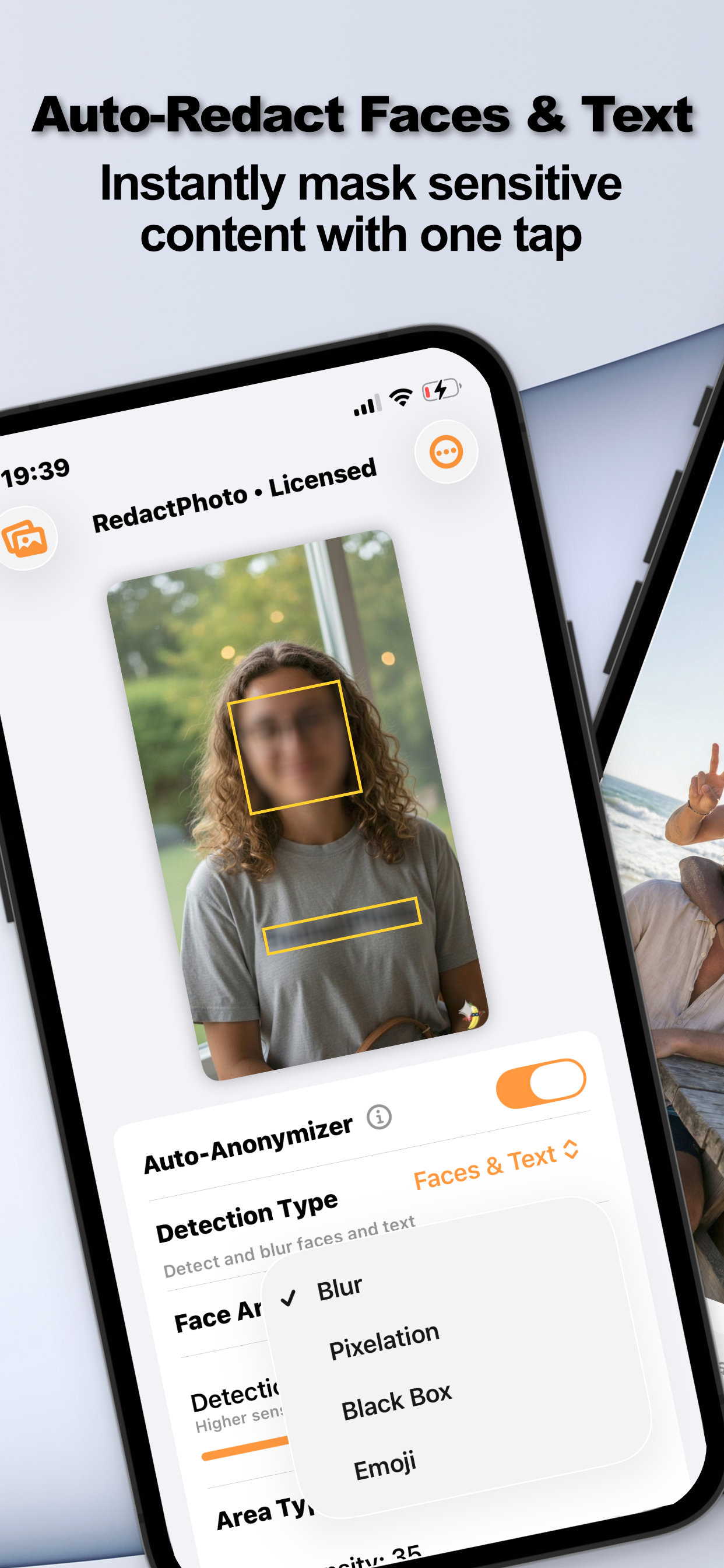
- Set Detection Type to TextThe AI highlights every text region it finds. Use the preview and sensitivity slider to make sure the faint or angled text is caught too, or use Faces & Text to do both at once.
- Choose the maskBlur or pixelation for casual hiding; Black Box for anything that identifies you, names, numbers, addresses.
- Export the clean copySave as PNG, JPG, or PDF. The masks are flattened into the pixels; the original stays untouched.
Blur vs. Black Box for Text
This choice matters more for text than for faces: researchers have repeatedly shown that lightly blurred or coarsely pixelated text can sometimes be reconstructed, because fonts are predictable. If the content would hurt you when read, use the black box: the full reasoning is in can blurred text be recovered?
Screenshots Are the Special Case
Screenshots are text, usually your own accounts and conversations. They get a dedicated workflow in redacting a screenshot on iPhone.
Try it on your own photos
Redact Photo is free to download with a fully unlocked 3-day free trial, mask your first photo in the next two minutes, without it leaving your phone.
Get Redact Photo on the App Store