 Redact Photo
One face is a chore. Eleven faces at a birthday party, a conference table, or a school event is an afternoon: if you're masking by hand. This is the exact job automatic detection exists for.
Why Manual Blurring Fails at Scale
Tracing masks by finger has two failure modes: you miss someone (the half-face at the edge, the reflection, the person in the background), or you get sloppy (masks that don't fully cover, edges that reveal). When the point is consent or safety, event photos, classroom shots, street photography: “I think I got everyone” isn't a great standard. Detection with a preview turns it into a checklist.
Mask Every Face in One Pass (Step by Step)
- Open the group photoAny photo, any number of people. Processing is on-device, so crowd shots don't get uploaded anywhere.
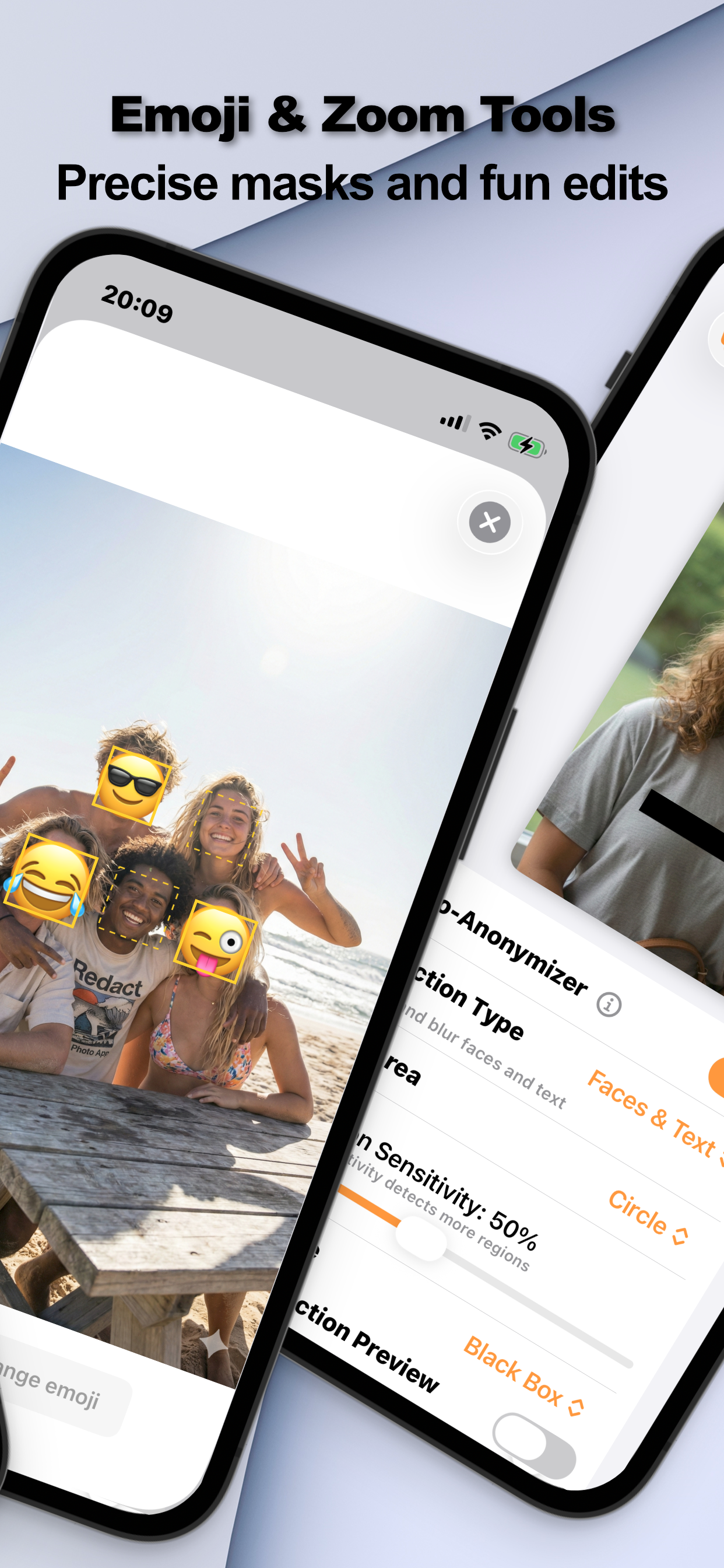
- Enable Auto-Anonymizer → FacesThe AI marks every detected face. Turn on the detection preview to see exactly what it found.
- Tune the sensitivityThe Detection Sensitivity slider (e.g. 50%) controls how aggressive detection is, raise it to catch small, distant, or partially turned faces; lower it if it's grabbing things that aren't faces.
- Pick one mask for everyone and exportBlur, pixelation, black box, or emoji: applied to all detected faces at once. Check the result, fix any stragglers with manual selection and zoom, and export.
Sensitivity Is the Knob That Matters
Group photos are where detection earns its keep: faces at different distances, angles, and lighting. Start at the default, preview, then raise sensitivity until the last background face lights up. One manual rectangle for anything truly odd (a face on a poster, a reflection) finishes the job.
Choose a Mask That Scales
Eleven blurred faces read as “processed”; eleven emojis read as fun, pick by audience. For photos of other people's kids, parents tend to appreciate the mask regardless of style; there's a dedicated guide to masking children's faces.
Try it on your own photos
Redact Photo is free to download with a fully unlocked 3-day free trial, mask your first photo in the next two minutes, without it leaving your phone.
Get Redact Photo on the App Store