 Photo Converter
Search “HEIC to JPG” and the top results are websites: free, instant, no signup. The price is in the mechanics, a “free online converter” works by taking possession of your photos. For wallpapers, who cares. For photos of your kids, your ID, your home, your documents? Different question.
What Really Happens When You Use a Converter Site
Your photo is uploaded to a server you know nothing about, processed, stored for some period the privacy policy words vaguely, and offered back for download: usually alongside ad trackers. Even honest operators keep temporary copies; dishonest ones keep everything. You can't audit which kind you got, and EXIF data (including GPS coordinates) rides along with the upload.
On-Device Conversion: The Same Convenience, None of the Exposure
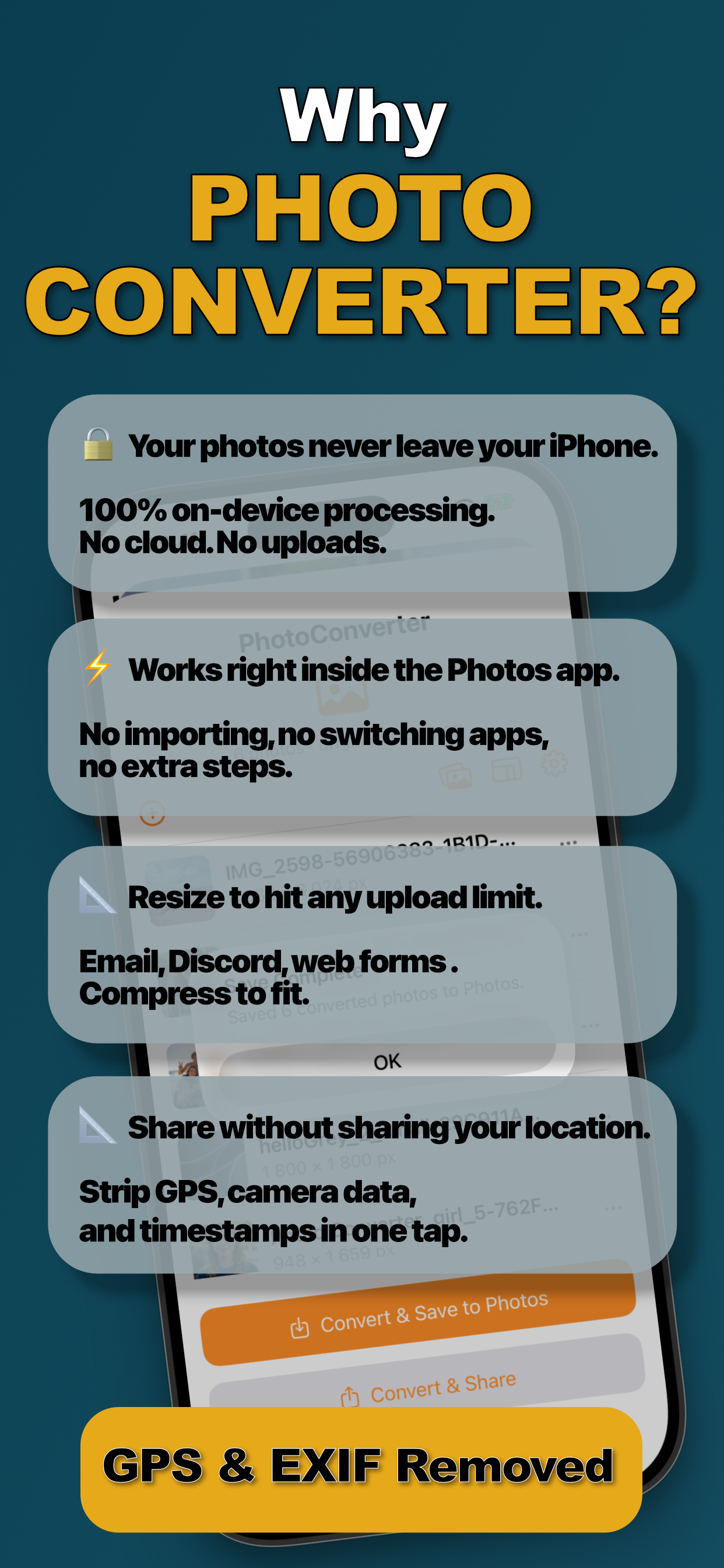
Modern iPhones convert images in milliseconds, there is no technical reason the job needs a server at all. An on-device converter does the identical work inside your phone's sandbox: nothing transmitted, nothing retained by a third party, works in airplane mode. That's Photo Converter's entire design: 100% on-device processing, verifiable by the fact it converts with Wi-Fi and cellular off.
Convert Entirely On-Device (Step by Step)
- Select your photos in the Photos appOpen Photos and select one image or dozens, the extension handles a whole batch in one pass.
- Share to Photo ConverterTap Share and choose “Convert with PhotoConverter.” No app switching, no importing: the batch loads right there in the share sheet.
- Choose format, size, and privacyPick JPEG, PNG, HEIC, or PDF. Resize by dimension or target a file size, adjust quality, and optionally enable “Remove all metadata” to strip EXIF and GPS.
- Convert and save backTap Convert. Everything is processed on-device in seconds and saved straight back to your library, or shared wherever it needs to go.
Privacy Compounds
On-device conversion plus metadata stripping covers both halves of photo privacy: no third party sees the file, and the copy you share carries no hidden data. It matters most exactly where converter sites are most used, IDs and paperwork, family photos, anything you wouldn't hand to a stranger.
Try it on your own photos
Photo Converter is free to download with a 3-day free trial, convert your first batch in the next two minutes, without anything leaving your phone.
Get Photo Converter on the App Store