Stop emailing yourself photos just to change their format. Select photos, tap Share, convert: a whole batch in seconds, 100% on-device, never uploaded anywhere.
HEIC for Windows friends, PDFs for paperwork, small files for web forms, clean metadata for public posts: one app handles all of it without your photos leaving the phone.
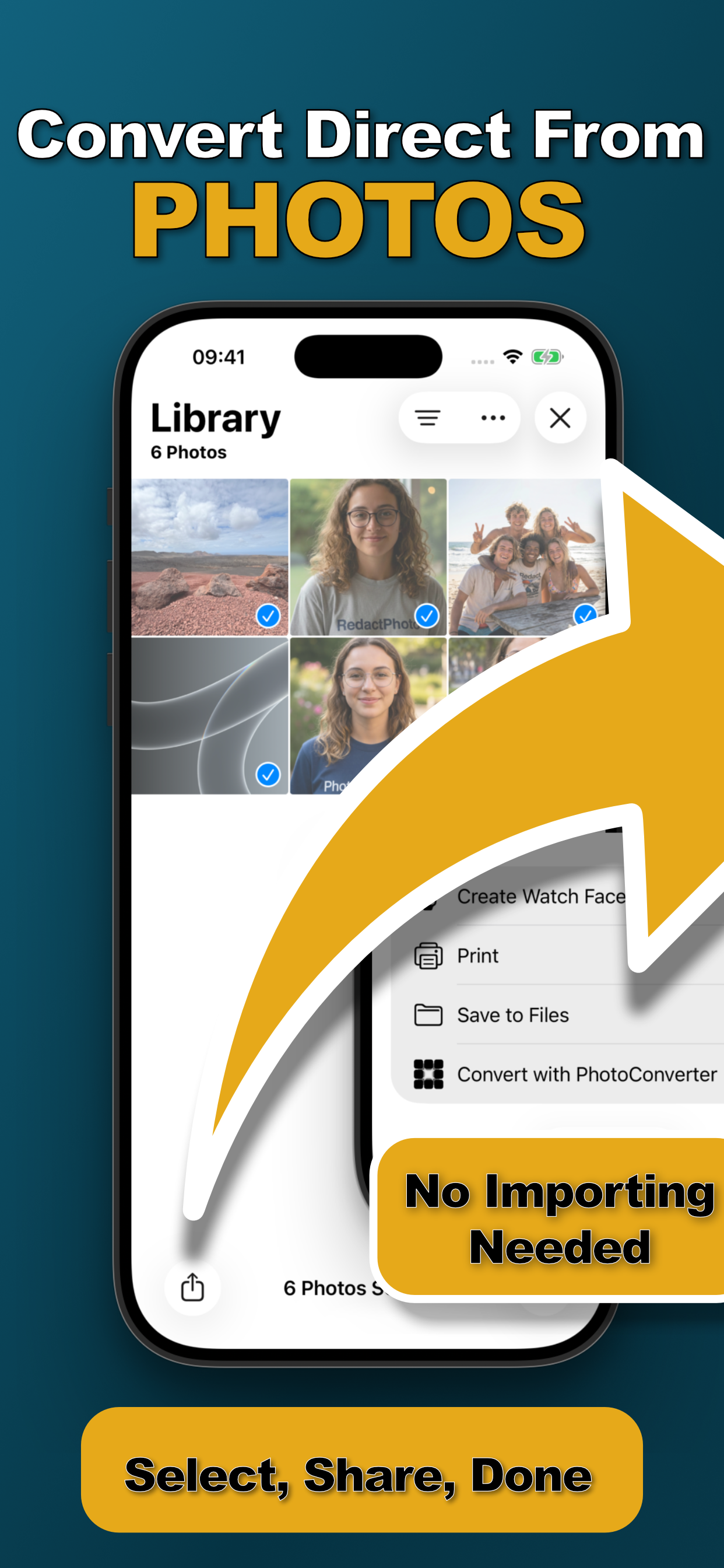
The Action Extension lives in the share sheet: select dozens of photos and convert the whole batch in one tap. No app switching, no importing.
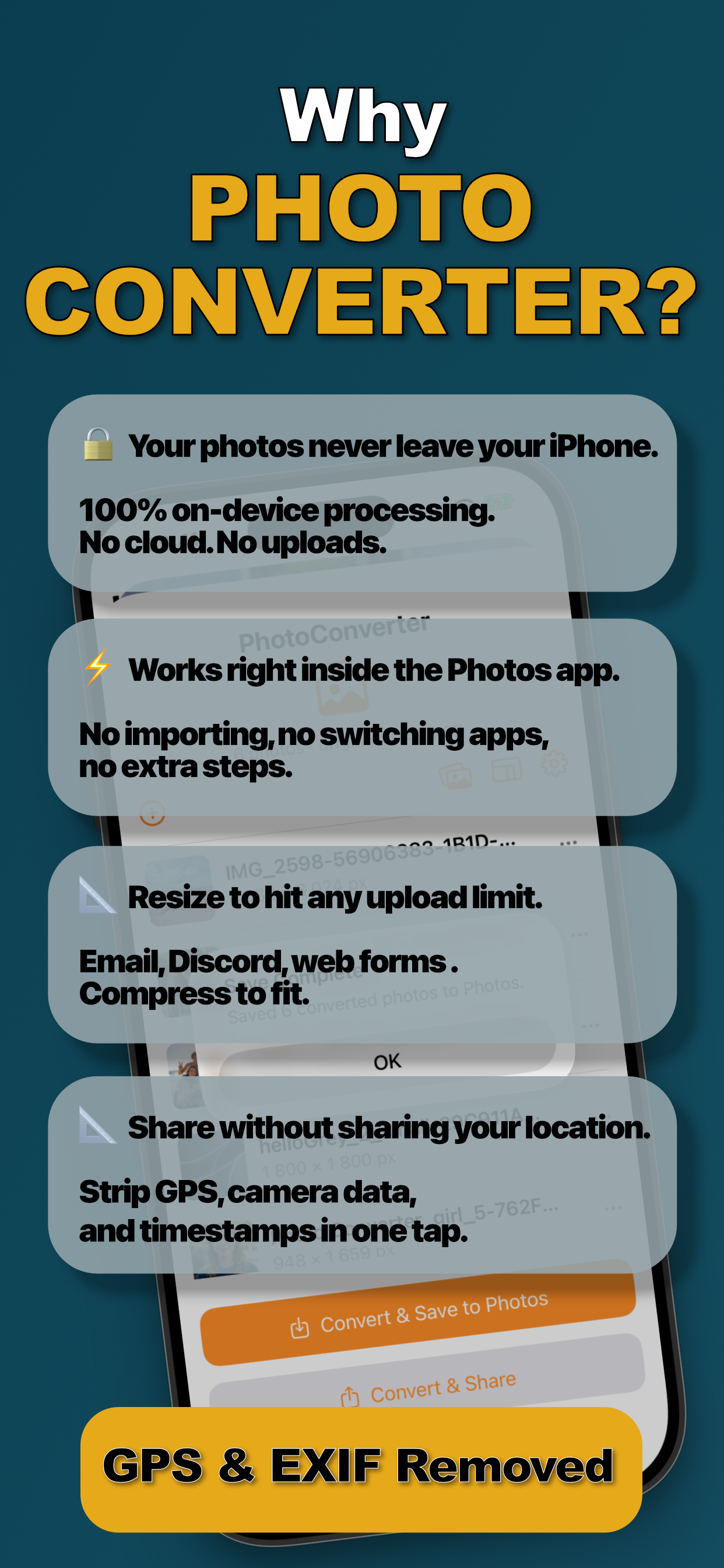
Your photos are never uploaded anywhere. No cloud, no servers, no “free” converter website keeping copies.
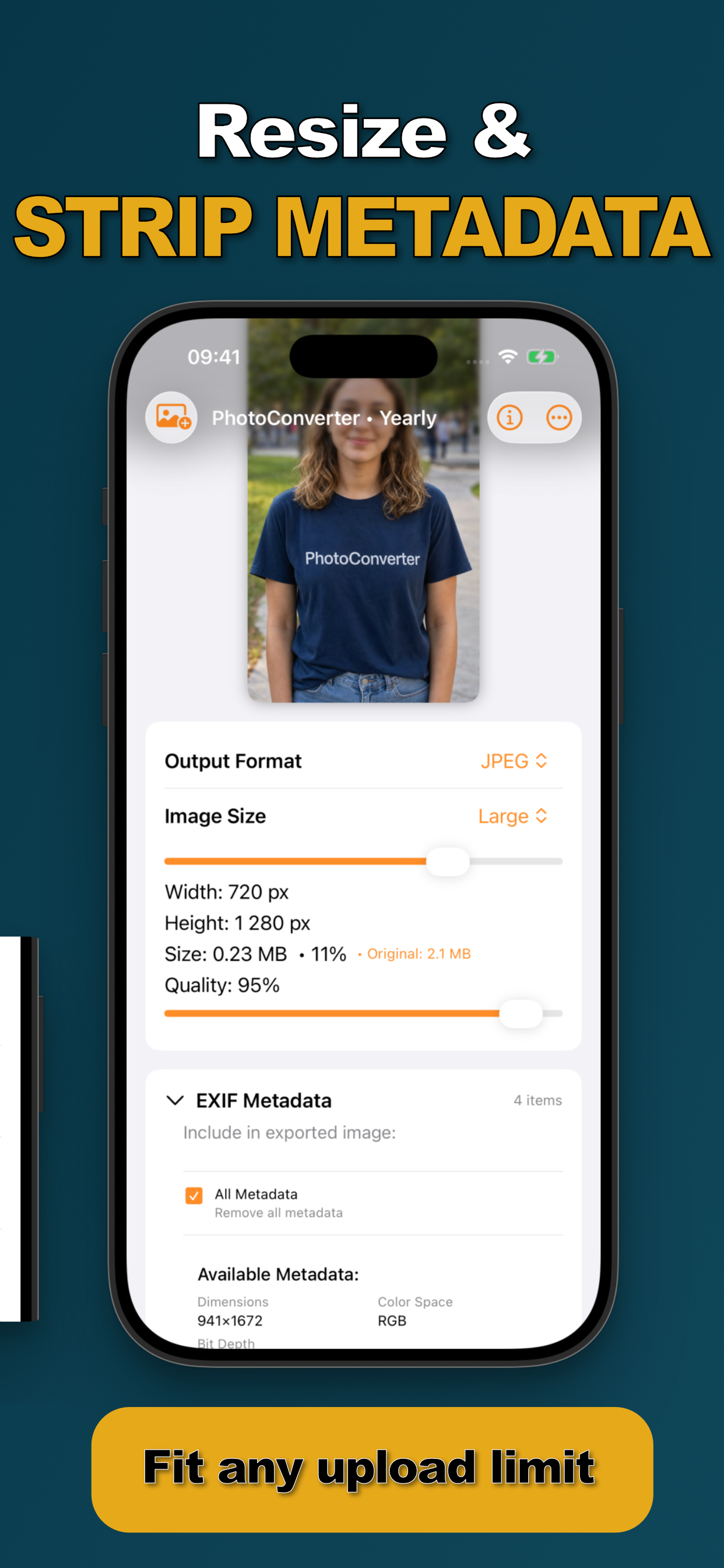
Resize by dimension or target a file size, watch 2.1 MB become 0.23 MB and sail past email, form, and Discord limits.
Remove location, camera data, and timestamps in one tap before sharing publicly. What they get is the picture, nothing else.
No “Pro” tiers. The Photos extension, batch conversion, all formats, resizing, and metadata removal: included in every plan.
Select, share, done: here's what converting photos on iPhone looks like when there's no uploading involved.
No app switching, no copy-paste, no imports, and nothing ever leaves your iPhone.
Open the Photos app and select one photo or dozens. Tap Share and choose “Convert with PhotoConverter”, the batch loads instantly.
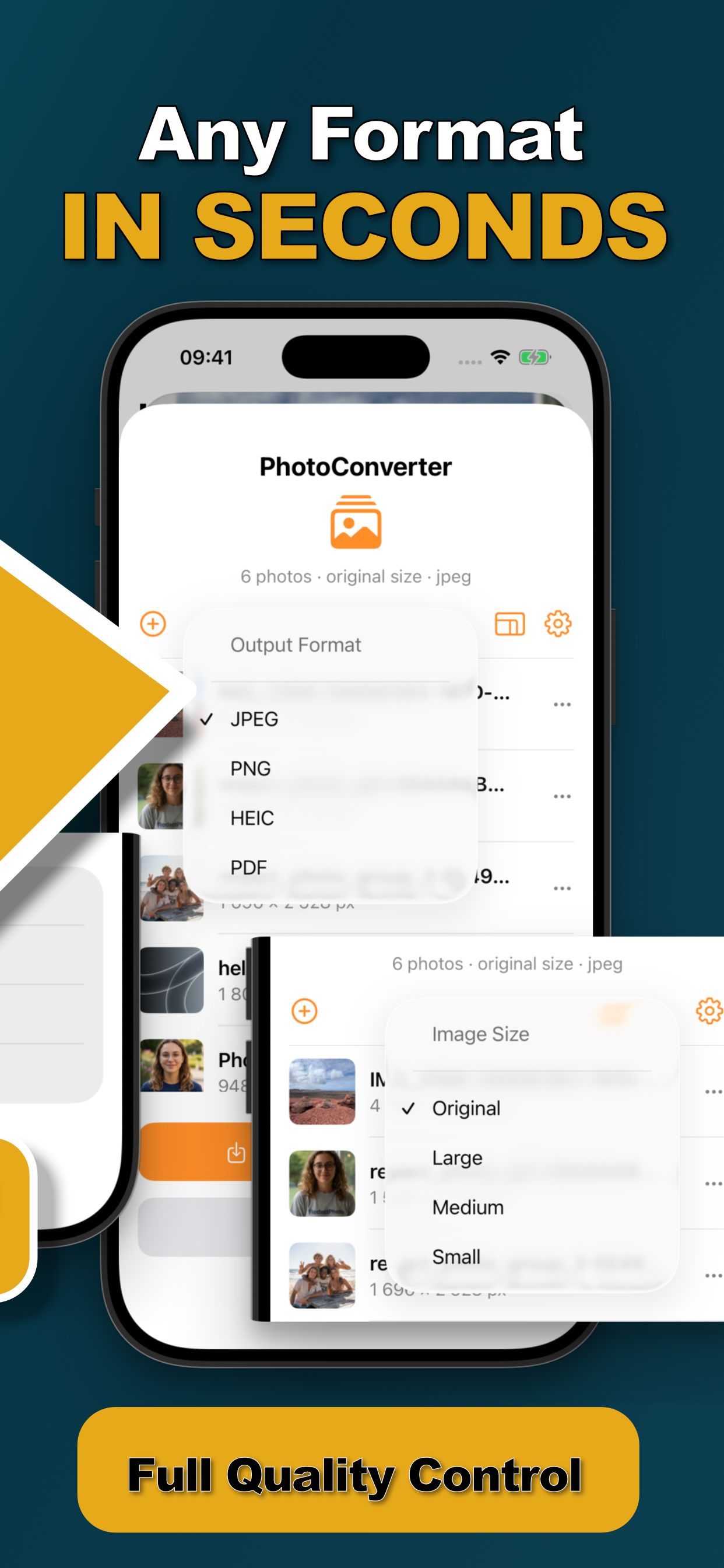
Choose JPEG, PNG, HEIC, or PDF. Resize by dimension or dial in a target file size and quality. Flip on “Remove all metadata” to strip EXIF and GPS.
Tap Convert. The whole batch is processed on-device in seconds and saved straight back to your library, or shared wherever it needs to go.
Step-by-step answers to the most-searched iPhone photo questions, formats, file sizes, PDFs, and privacy.
The fastest way to turn HEIC photos into JPGs everyone can open, in batch, on-device.
Read the guide → HEICWhy Windows rejects iPhone photos and how to send files that just open.
Read the guide → HEICWhat HEIC is, why Apple uses it, and when you actually need to convert.
Read the guide → HEICThe camera setting to shoot JPEG, and how to convert the HEICs you already have.
Read the guide → FormatsShrink screenshots and graphics into shareable JPGs with full quality control.
Read the guide → FormatsWhen you need lossless output or transparency-friendly files from iPhone photos.
Read the guide → PDFReceipts, IDs, and paperwork into one clean PDF: straight from the share sheet.
Read the guide → BatchConvert dozens of photos in one tap, same settings, one pass, done.
Read the guide → ResizeExact dimensions or size presets, resize one photo or a whole batch.
Read the guide → ResizeGet any photo under 1 MB (or any limit) for forms, email, and Discord.
Read the guide → PrivacyStrip location, camera data, and timestamps before posting publicly.
Read the guide → PrivacyWhy free converter websites are a privacy trade, and the on-device alternative.
Read the guide →Quick answers about converting, resizing, and cleaning up iPhone photos.
Select the photos in the Photos app, tap Share, choose “Convert with PhotoConverter,” pick JPEG, and save. The whole batch converts on-device in seconds, no website, no emailing yourself. Learn More →
Since iOS 11, iPhones shoot HEIC by default: same quality as JPEG at roughly half the size. The trade-off is that Windows, Android, and many web forms can't open it. Learn More →
Windows needs paid codec extensions to display HEIC, so iPhone photos often arrive unopenable. The reliable fix: convert to JPG on the iPhone before sending. Learn More →
Yes. Photo Converter processes everything 100% on-device, your photos are never uploaded to a server, unlike free web converters. Learn More →
Yes. Select dozens of photos in Photos and convert them all in one tap, same format, size, and quality settings applied to the whole batch. Learn More →
Select the photos, receipts, IDs, paperwork: tap Share → “Convert with PhotoConverter,” and choose PDF as the output format. Learn More →
Resize by dimensions or target a file size directly, watch the live output size (2.1 MB → 0.23 MB) until it fits the form, email, or Discord limit. Learn More →
Enable “Remove all metadata” during conversion. EXIF, GPS, camera details, and timestamps are stripped in one tap: before the photo ever leaves your phone. Learn More →
Only if you ask it to. Keep original dimensions and maximum quality for visually lossless output, or deliberately trade quality for a smaller file. Learn More →
Free to download, with a 3-day free trial on subscriptions. Continue weekly or annually, or buy lifetime access once: every plan unlocks the entire app. Learn More →

The next time a photo is the wrong format, too big, or carrying your location: fix it in the share sheet instead of a website.

 Photo Converter