 SmartMerge
Twenty scattered clips are useless. One clean file is an archive. Whether it's a week of standups, a split interview, or a semester of dictated notes, combining voice memos into one file makes your audio shareable, searchable, and safe to back up.
Here's how to do it on the iPhone itself, no desktop editor, no uploads: plus a few habits that keep big merges tidy.
Why One File Beats Twenty Scattered Clips
- Sharing: you send one link or attachment, not a zip of fragments.
- Transcription: transcription tools and AI note apps work far better on a single continuous file with correct order.
- Backup: one named file in iCloud or Files beats twenty auto-named “New Recording 47” entries.
- Navigation: with chapter markers, one file still lets you jump straight to any original clip.
Combine Voice Memos Into One File (Step by Step)
- Select your recordings in Voice MemosOpen Apple Voice Memos, tap Edit (or long-press a recording), and select every clip you want to join. You can pick as many as you need, SmartMerge handles hours of audio.
- Share to SmartMergeTap Share and choose “Merge with SmartMerge” from the share sheet. Your clips open in SmartMerge instantly, no exporting, no importing, no file juggling.
- Order your clips and set Auto-TrimDrag and drop the clips into the order you want. Optionally turn on Auto-Trim to cut 2, 3, or 5 seconds of mic fumbles and dead air from the start and end of every clip.
- Merge, then share or saveTap Merge. Seconds later you have one seamless audio file with a chapter marker where each clip begins, ready to share, save to Files, or archive.
Choosing the Right Order
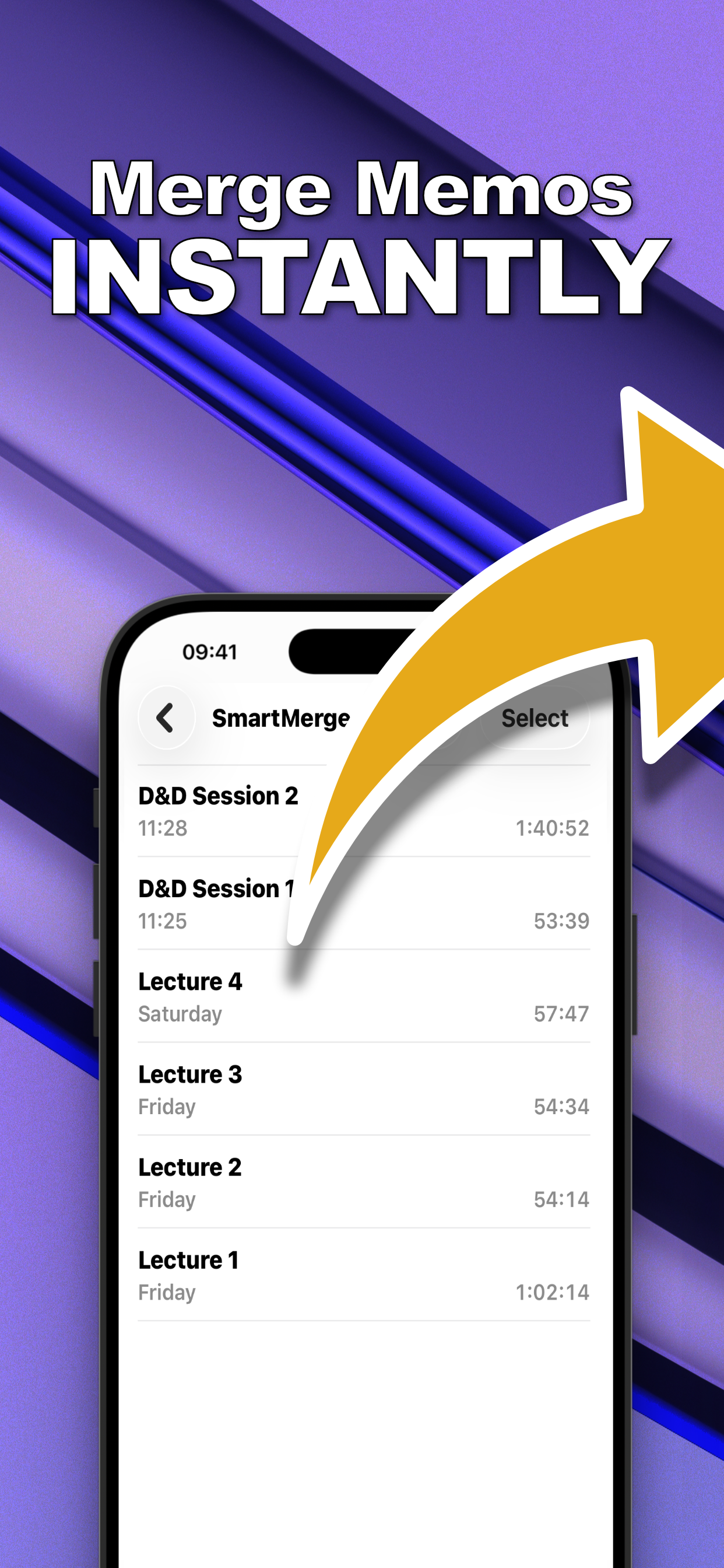
Voice Memos lists recordings newest-first, which is the reverse of how you usually want them merged. SmartMerge's drag-and-drop reordering lets you sequence clips chronologically, or in any custom order, before export. The merge screen shows each clip's name and duration so nothing lands in the wrong place.
Handling Big Batches
Combining a handful of one-minute memos is easy for any app. Combining a month of hour-long recordings is where most audio tools crash. SmartMerge's Dual-Engine processing was built for exactly this, it merges multi-hour lecture sets and 4-hour game sessions without memory crashes and without quality loss.
Try it on your own recordings
SmartMerge is free to download with a fully unlocked 3-day free trial, merge your first files in the next two minutes.
Get SmartMerge on the App Store