 SmartMerge
A merge should be invisible: same voice, same room tone, same clarity: just one file instead of five. Yet plenty of people merge a crisp interview and get back something that sounds like it was played through a phone speaker and re-recorded. Here's why that happens and how to avoid it.
How Merging Usually Degrades Audio
- Forced MP3 conversion: many free joiners (especially web tools) convert everything to MP3 before merging, a lossy step you can't undo.
- Downsampling: some apps resample to a lower rate to make processing cheap, dulling the top end of speech.
- Double compression: decoding compressed audio and re-encoding it stacks artifacts, which show up first as fizzy sibilance in voices.
What Lossless Merging Means
A quality-preserving merge keeps your audio's format, sample rate, and bit depth intact and simply joins the streams. SmartMerge's Dual-Engine processing does exactly this for M4A and WAV, zero quality loss, even across hours of material.
Merge Without Quality Loss (Step by Step)
- Start from your original recordingsMerge the files Voice Memos actually saved, don't pre-convert them with another tool first. Select them and share to SmartMerge.
- Skip the upload sitesWeb joiners re-encode by default. Choosing “Merge with SmartMerge” in the share sheet keeps processing on-device and your originals untouched.
- Order, trim, mergeSequence the clips, optionally Auto-Trim the edges (trimming edges doesn't touch the audio quality inside clips), and tap Merge.
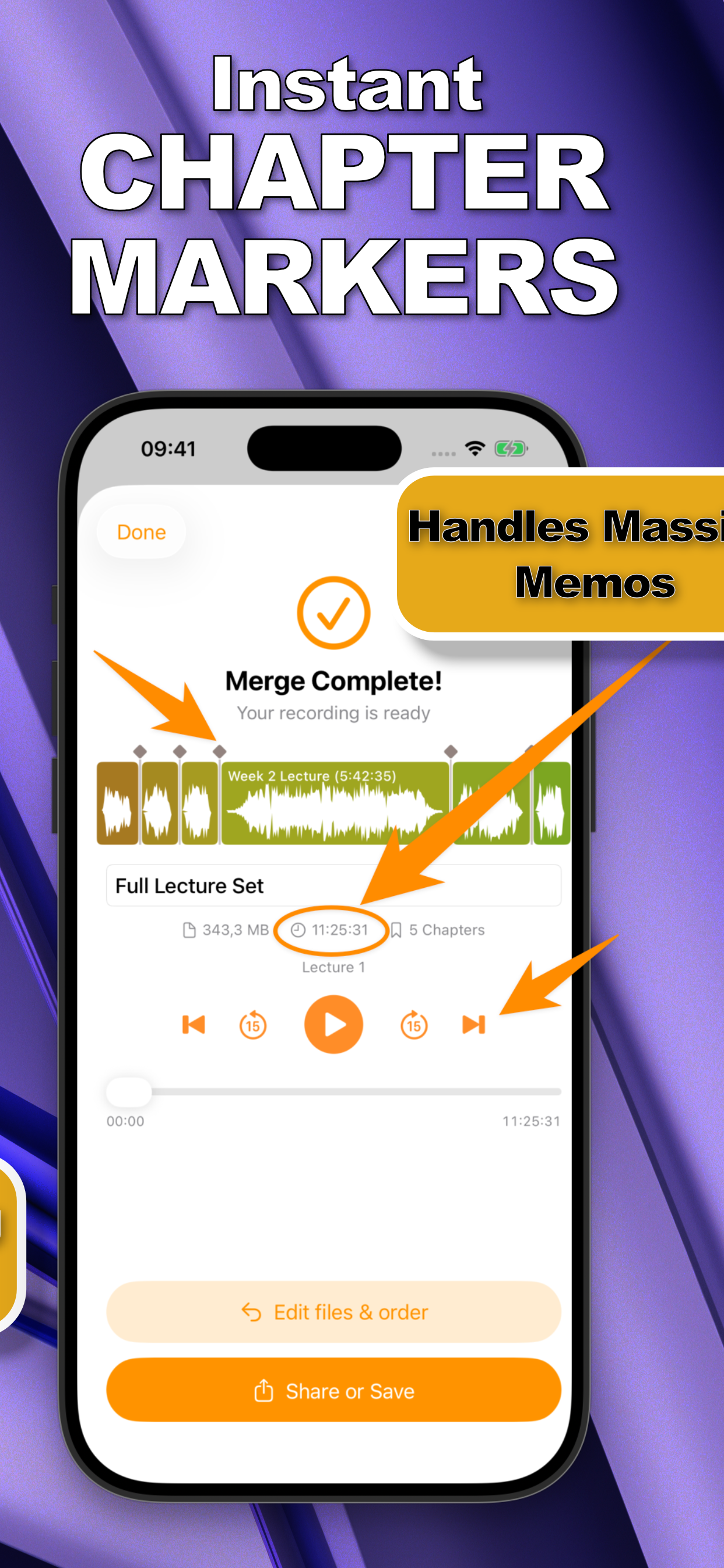
- Check the resultThe merged file keeps the original format and duration of the sum of the parts. Play a transition point: a clean merge is seamless, with no shift in tone or hiss.
Quality Matters More Than You Think
Merged files often feed a next step, transcription, podcast publishing, court or research records. Every one of those degrades further if the source is already artifacted. Getting a lossless merge on the phone means the published episode or the transcript works from audio as good as the day it was recorded.
Try it on your own recordings
SmartMerge is free to download with a fully unlocked 3-day free trial, merge your first files in the next two minutes.
Get SmartMerge on the App Store