 SmartMerge
By exam season, a recorded course is forty scattered files named “New Recording 63.” Finding the one where the professor explained the thing that's definitely on the exam means scrubbing through hours of audio across dozens of memos.
The fix is to combine lecture recordings as you go, one file per week or per topic, chaptered so you can jump straight to any lecture.
The Student Recording Problem
Lecture recordings have three enemies: volume (they're long), fragmentation (they multiply weekly), and Apple's newest-first sorting (which buries October under December). Merging by week or by module turns an unsearchable pile into a revision library, and one file is also what transcription and AI-notes tools handle best.
Combine a Week of Lectures (Step by Step)
- Select the week's lectures in Voice MemosTap Edit in Apple Voice Memos and select each lecture recording, SmartMerge merges hours of audio crash-free, so a full week is no problem.
- Share to SmartMergeTap Share and choose “Merge with SmartMerge.” No exporting to a laptop, no waiting until you're home.
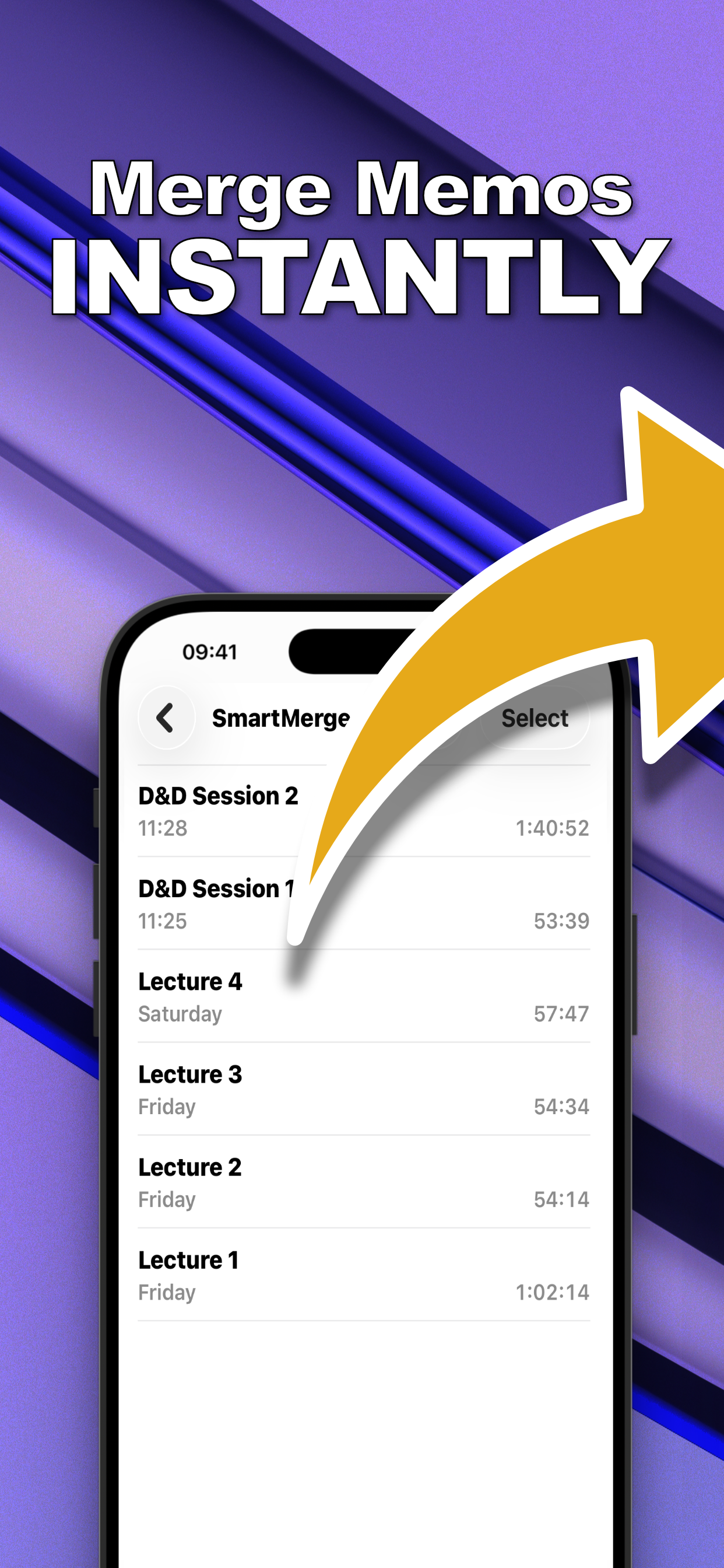
- Order chronologically and Auto-TrimDrag lectures into Monday-to-Friday order. Turn on Auto-Trim (2, 3, or 5 seconds) to cut the shuffle of you starting and stopping the recorder in class.
- Merge and name the archiveTap Merge, then name the result: “Week 12: Microeconomics”, and save it to Files or iCloud. Each lecture starts at its own chapter marker.
Use Chapter Markers as a Study Tool
Chapters are the difference between an archive and a pile. In the merged file, every lecture begins at a marker, so “the Tuesday class about elasticity” is one tap away instead of a twenty-minute scrub. It works just as well for speeches and seminar series.
Storage and Backup Tips
- Merge weekly. Five files a week is a two-minute habit; forty files at exam time is a project.
- One file backs up cleanly. Drop the weekly merge into iCloud Drive or a course folder in Files.
- Keep quality for transcription. SmartMerge merges without quality loss, which keeps automatic transcripts accurate.
Try it on your own recordings
SmartMerge is free to download with a fully unlocked 3-day free trial, merge your first files in the next two minutes.
Get SmartMerge on the App Store