 SmartMerge
Every table has that moment: someone rolls a nat 20 at the worst possible time, the table erupts, and someone says “tell me we got that on tape.” If your phone was recording, you did: in four fragments, because you paused for breaks and one recording stopped when a call came in.
Merging session recordings is how campaigns become archives. It's also where generic audio apps fail hardest, because TTRPG sessions are long.
Why D&D Sessions Break Most Audio Apps
A session runs three to five hours, and breaks split it into several large files. Apps that load audio fully into memory crash exactly here, usually at 90% of the merge. SmartMerge's Dual-Engine processing was built for the 4-hour RPG session: it merges massive M4A and WAV files without memory crashes, on the phone that recorded them.
Merge a Session (Step by Step)
- Select the session parts in Voice MemosAfter the session, select every fragment: pre-break, post-break, the bit after the phone call interrupted.
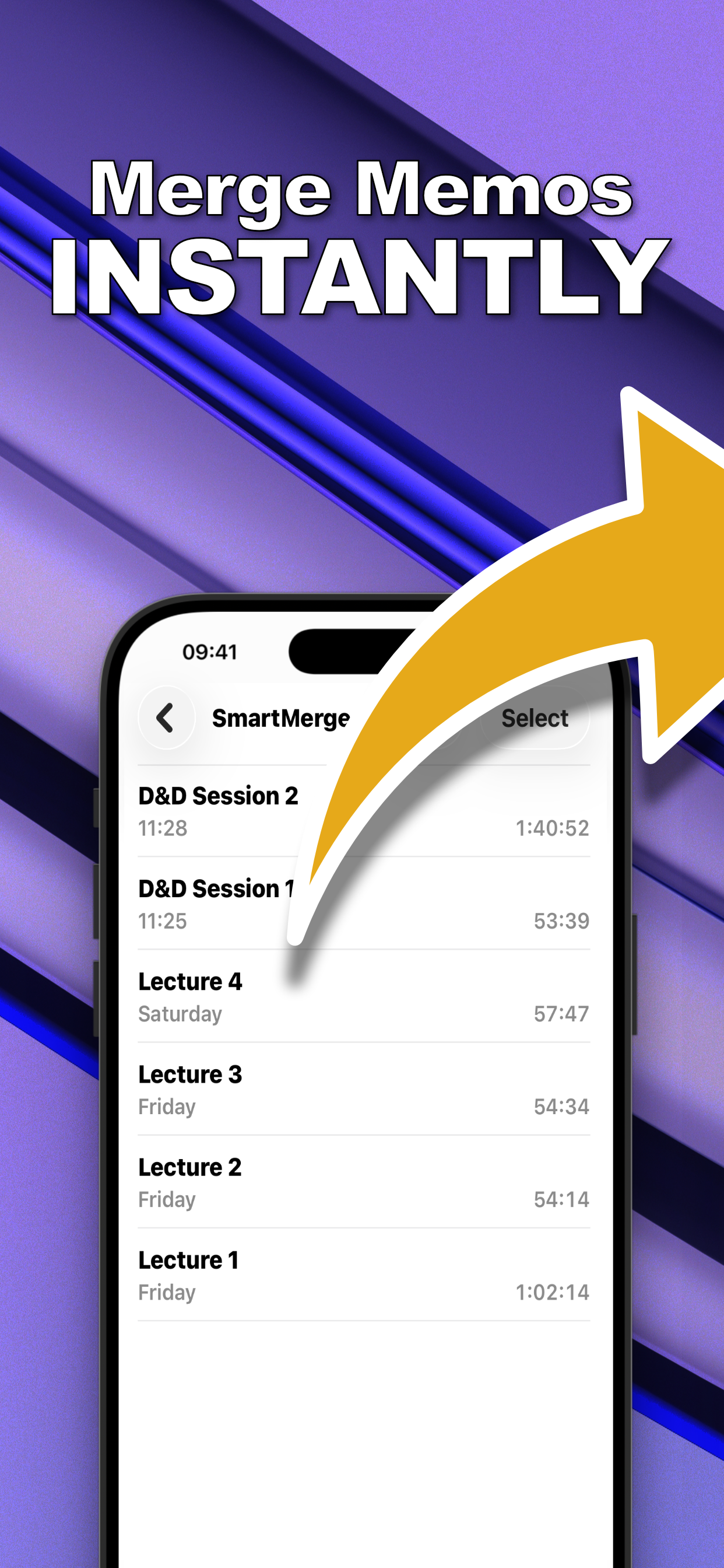
- Share to SmartMergeTap Share → “Merge with SmartMerge.” All parts load into the merge queue, durations visible so nothing's missing.
- Order the parts and Auto-Trim the chaosDrag the parts into play order. Auto-Trim cuts 2, 3, or 5 seconds from each edge: the fumbling, the “wait, is it recording?”, the chair scrapes.
- Merge into the session archiveTap Merge and name it, “Session 23, The Dragon Negotiation.” One file, chapter markers at every part, safe in Files before the next session.
A Chapter Marker for Every Encounter
If you stop and restart recording at scene changes, travel, combat, the shopping episode: every scene becomes its own chapter in the merged file. Finding “the bit where the bard seduced the lich” stops being archaeology. More on chapter markers here.
From Session Archive to Actual-Play Podcast
A merged, chaptered, auto-trimmed session file is 90% of an actual-play episode. If your table is podcast-curious, the same flow covers episode assembly, and the merge is lossless, so the audio holds up in production.
Try it on your own recordings
SmartMerge is free to download with a fully unlocked 3-day free trial, merge your first files in the next two minutes.
Get SmartMerge on the App Store